




Neuzeit Tarot

By geoxena
- 4,564 views
- View geoxena's images
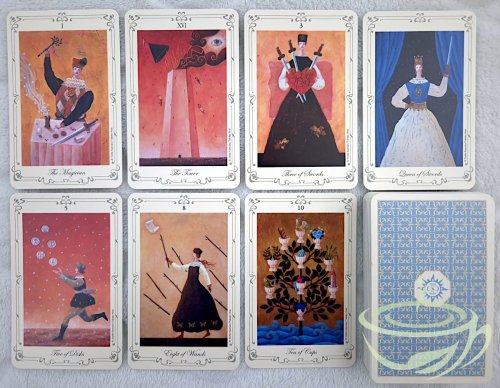
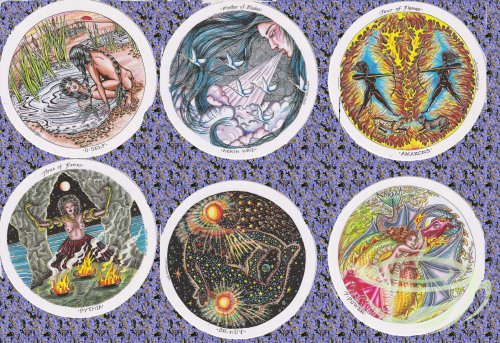
Despite the fact that the box and LWB for Neuzeit Tarot translates the title from German to English as "New Age," a more accurate translation would perhaps be "Modern Times," "Modern Era," or "Modern Age." Since the phrase "New Age" has a specific connotation today, it would be a somewhat misleading term to describe this deck, in which some cards feature modern clothing, astronauts, robots, rocket ships, modern technologies, and nuclear reactors as symbols of the modern world. The artwork and viewpoint of this deck are not what most would consider "new age" these days, though it does have a bit of a psychedelic, hippie-ish vibe.
Published by AG Müller in 1982, this deck was conceived by Walter Wegmüller of Switzerland and illustrated with his wonderfully weird artwork. Wegmüller, whose parents were Romani, became an expert in tarot and was a friend of American psychologist and counterculture hero Timothy Leary, who helped him get a recording contract with a German record company. Wegmüller's 1973 record album, called Tarot, featured several musicians known as The Cosmic Jokers and included a set of Wegmüller's tarot cards. On the album, Wegmüller recited stories about each of the cards. Following that project, Wegmüller continued working as a visual artist and created two popular tarot decks, Das Zigeuner-Tarot ("The G_psy Tarot'"), published in the 1970s, and Das Neuzeit-Tarot, which is the deck pictured here.
OOP, possibly difficult to find. May be available on eBay, which is where I found this one.