

Closed Club
This is a closed club, some content may be hidden to non members.
About This Club
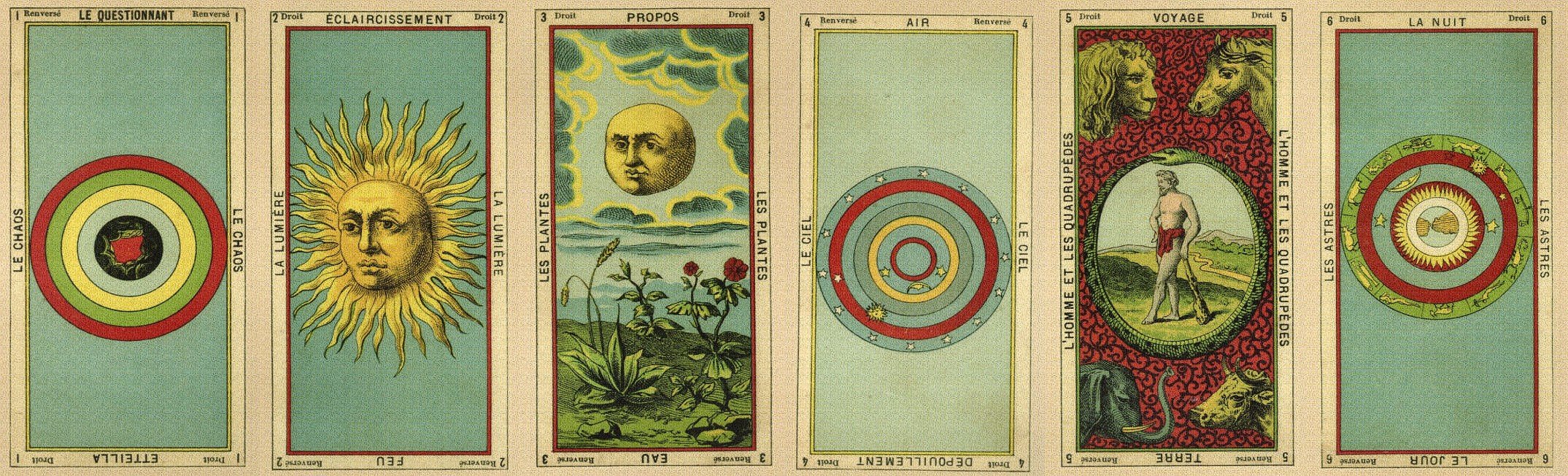
The space for studying Etteilla Tarots. All Etteilla versions and all reader levels are welcome!
This is a closed club, some content may be hidden to non members.
We have placed cookies on your device to help make this website better. You can adjust your cookie settings, otherwise we'll assume you're okay to continue.